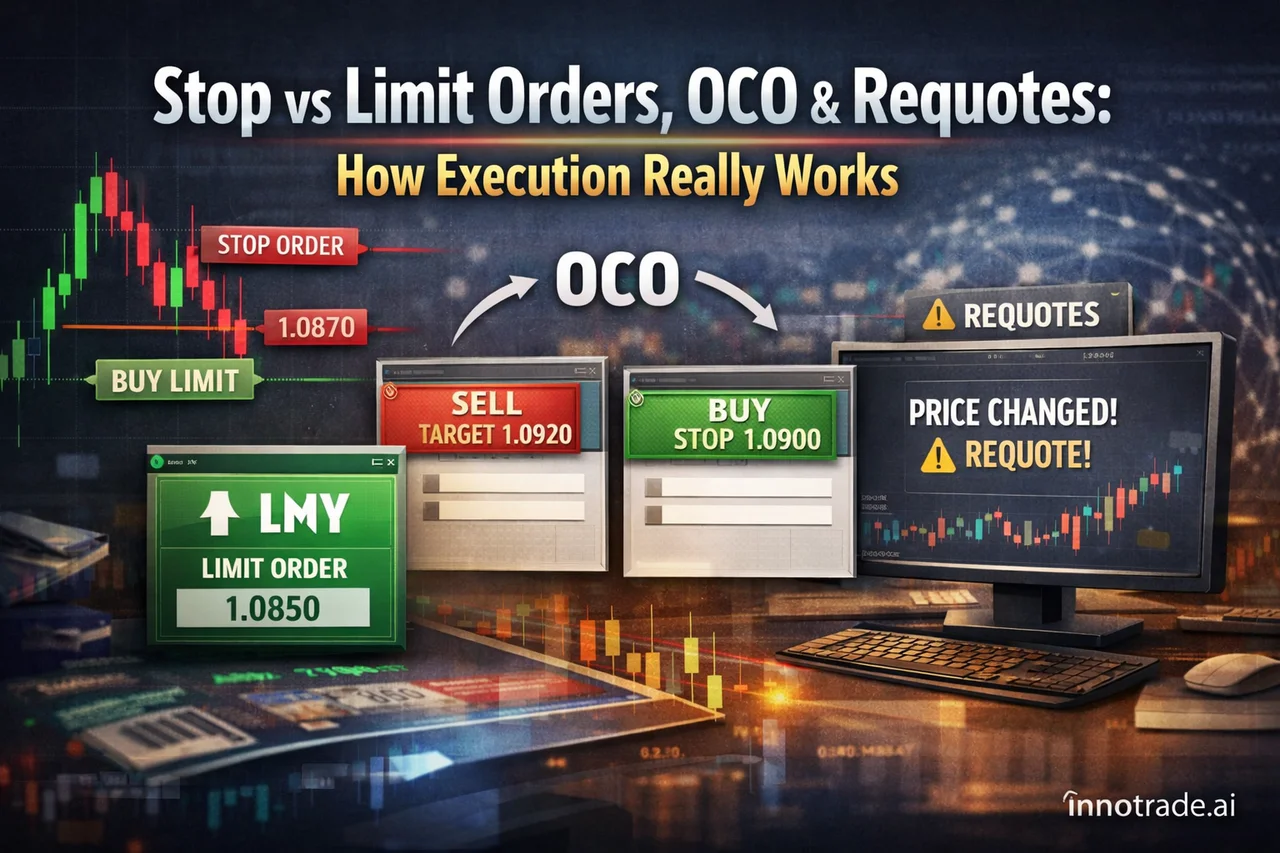
Most traders spend hours refining their entry logic and almost no time thinking about how their order actually reaches the market. That gap matters. An AI analysis can hand you a precise entry, stop-loss, and three take-profit levels — but if you don't understand the mechanics of order execution, you can still turn a well-planned setup into a frustrating outcome. This article breaks down the order types and execution concepts every trader should understand before placing size on a live account.
Stop Order vs Limit Order: The Core Difference
A limit order tells your broker: "only fill me at this price or better." If you want to buy EUR/USD at 1.0850 and price is currently at 1.0870, a buy limit at 1.0850 will only trigger if price actually drops to that level — you get your price or you don't get filled at all.
A stop order works in the opposite direction. A buy stop is placed above the current price and triggers once price reaches or exceeds it — commonly used for breakout entries. A sell stop sits below current price and is the standard way most traders place a stop-loss on a long position: once price falls to that level, the order becomes a market order and executes at the next available price.
This distinction matters enormously in fast markets. A limit order guarantees price but not execution. A stop order guarantees execution (eventually) but not price — which is why stop-losses can suffer slippage during high-impact news releases, filling a few pips worse than the level you set. When our AI analysis outputs a stop-loss level, it's calculated with this behavior in mind, not as a guarantee of an exact fill.
OCO Orders: Letting the Market Choose the Outcome
An OCO (One-Cancels-the-Other) order lets you place two conditional orders simultaneously — typically a buy stop above resistance and a sell stop below support — where triggering one automatically cancels the other. It's a practical tool for range breakouts when you don't know which direction price will break, but you want to be positioned either way without manually monitoring the chart.
The trade-off: OCO orders remove the need for split-second decision-making, but they also mean you're committing to whichever side triggers first, even if it turns out to be a false breakout. Pairing an OCO setup with a clearly defined invalidation level (your stop-loss) is what keeps this strategy from becoming a coin flip.
One-Click Trading: Speed With a Cost
One-click trading lets you send an order to the market with a single click, skipping the confirmation dialog box most platforms show by default. It's popular among scalpers who need to react to a setup within seconds — a delay of even two or three seconds can mean the difference between entering at your planned level or chasing price. The obvious risk is that one-click execution also removes your last chance to catch a fat-finger error: wrong lot size, wrong direction, wrong instrument. If you use one-click trading, get in the habit of double-checking your position size before you arm the feature, not after.
Order Book Depth: What You're Actually Looking At
Order book depth shows the volume of pending buy and sell orders stacked at different price levels — sometimes called the "depth of market." On retail forex and CFD platforms, this is usually an aggregated view from your broker's liquidity providers rather than a true exchange-wide order book (which is more common on centralized crypto exchanges). Depth can hint at where short-term liquidity is thinner or thicker, but retail traders should be cautious about over-relying on it — depth changes constantly, and a wall of orders at one level can vanish before price ever gets there.
Requotes: Why They Happen
A requote occurs when your broker cannot fill your order at the exact price you requested — usually because the market moved between the moment you clicked and the moment the order reached the server — and instead offers you the next available price. Requotes were more common on older dealing-desk broker models and are less frequent with modern electronic execution, but they still happen during volatile windows, particularly around high-impact news releases like CPI or NFP. If you frequently trade around scheduled economic events, understanding that requotes are a normal market mechanism (not a broker conspiracy) will save you a lot of frustration.
Floating P&L vs Realized P&L
Your floating (unrealized) P&L is the profit or loss on a position that's still open — it moves with the market and isn't locked in. The moment you close the trade, whether manually or via a take-profit/stop-loss order, that number becomes realized P&L — fixed, final, and reflected in your account balance. This is exactly why TP1, TP2, and TP3 levels exist as a structure: each level is a chance to convert a portion of floating profit into realized profit, reducing how much of your gain is still exposed to a market reversal. Scaling out at TP1 while letting the remainder ride toward TP2 or TP3 is a deliberate trade-off between locking in certainty and chasing a larger reward — not a one-size-fits-all rule.
Grounding This in Real Data
Order mechanics aren't abstract — they show up in actual results. Over the past week of tracked setups on the platform, the average risk-reward ratio landed around 2.33, a figure that only means something if stop and limit orders actually execute close to their intended levels. Wednesday, August 12 stood out as one of the stronger sessions of the week, with a healthy win rate and an RR of 3.20 contributing to an EV score of 1.80, while Thursday, August 13 was the weakest stretch of the week — a 14.3% win rate and a 1.13 average RR pulling the day's EV score down to -0.70. Tuesday, August 11 was the strongest session by EV score, hitting 2.41 — a day where the setups clearly lined up well, though a single day's numbers should never be read as a broader trend.
These fluctuations are normal. What matters is understanding the mechanics well enough that a stop-loss slipping a few pips during a CPI release, or a limit order simply not filling, doesn't get mistaken for a flawed strategy. You can review your own execution patterns over time in Trade Tracking, and see verified aggregate results across the platform's tracked history on the Live Trades Scoreboard, which exists purely as a transparency record of past performance.
Practice Before You Commit Capital
If any of these concepts — stop vs limit orders, OCO structures, requotes — feel unfamiliar in practice, a demo account is the right place to test them. A demo account mirrors live pricing and execution behavior without risking real capital, letting you observe firsthand how a stop order slips during a news spike or how an OCO order resolves in a genuine breakout. Once you're comfortable with the mechanics, moving to a live account becomes a matter of psychology and risk management rather than relearning how orders work under real market conditions. Our Trading Academy covers these fundamentals in more depth, and the FAQ page addresses common questions about how order execution interacts with AI-generated trade analysis.
Key Takeaway
A trading edge isn't just about being right on direction — it's about your orders executing the way you planned when you were right. Understand the difference between a stop and a limit order, know why OCO orders and requotes behave the way they do, and treat floating P&L as provisional until it's actually realized. These are the mechanical foundations that let a good trade idea actually become a good trade.
Analytical software only. We do not handle funds, make investments, or provide financial advice. Trading involves substantial risk and past performance does not guarantee future results. Always conduct your own research and consider your risk tolerance before making trading decisions.